Terraria: use the Guide to trace a material
Finding an unfamiliar material does not tell you which item to craft next. Terraria’s Guide can show what a material participates in and which station a recipe needs. Turn that information into one achievable dependency chain rather than treating the whole recipe list as a shopping assignment.
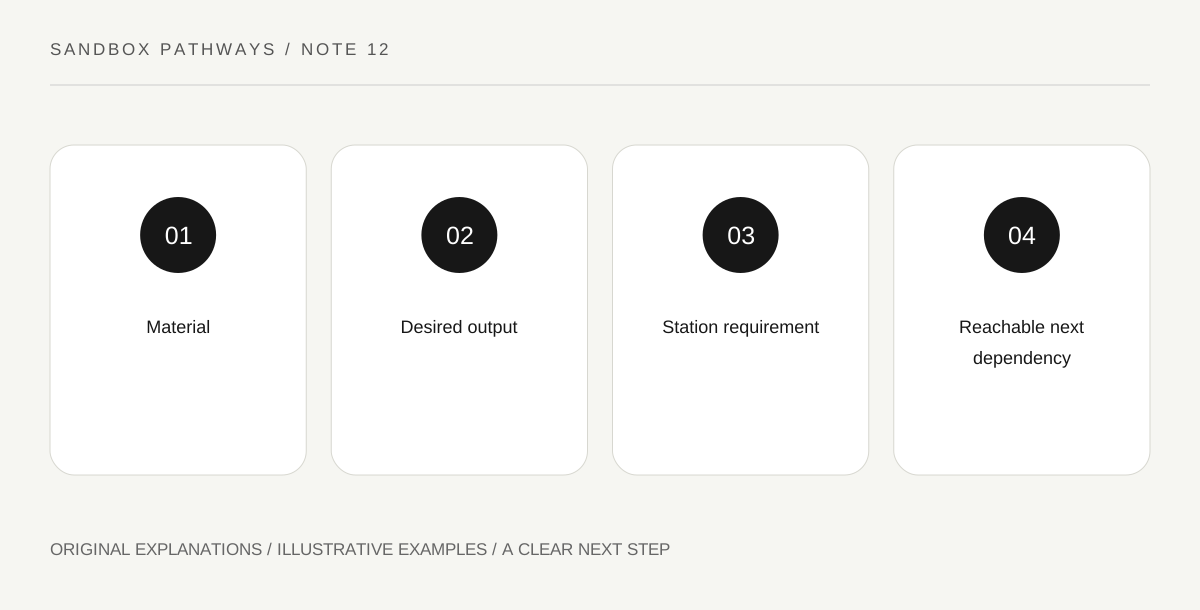
Original explanatory diagram. Read the full method and limitations below.
Begin with the material you actually found
The official wiki’s crafting explanation describes ingredient requirements, station proximity and the Guide’s recipe assistance. Bring one unfamiliar material into focus and inspect its available recipe information through the supported game interface. Do not try to memorize every resulting option. Look for a goal relevant to your current play, such as a useful tool or workstation. The material is a starting point for discovering possibilities, not a command to craft everything listed. Record one desired output and the ingredients it still needs. A short chain is easier to follow than a copied list of dozens of possible products.
Separate ingredients from the station
A recipe can require both materials and a particular crafting station. Having the materials does not mean the station is present, and owning a station somewhere does not mean you are close enough to use it. The crafting guide flags version-specific interface issues, so use its basic system explanation while following your current game’s controls. Write ingredients on one side of a dependency sketch and the station on the other. This avoids treating a missing station as a shortage of ore or assuming that collecting more material will reveal an option whose workspace requirement remains unsatisfied.
Build a small test area
Place the relevant station in an accessible spot, stand near it and inspect the crafting options again. Keep the exercise controlled: the same intended output, the same materials and one changed station condition. If the recipe still does not appear, compare exact ingredient names and amounts before moving every station around. Similar-looking materials are not necessarily substitutions. A useful learning area has enough space to approach each workstation deliberately. It does not need to contain every late-game facility. Add a station when a specific recipe gives it a job, keeping your early workspace understandable.
Follow only the next reachable branch
A recipe list can include goals beyond your present progression. Treat those as future possibilities rather than evidence that your save is broken. Choose a branch whose next missing element you can identify, and make that element the next task. For instance, the chain may require a station that itself needs another material. Trace it backwards until you reach an obtainable action, then return forwards and confirm the result. This is a dependency lesson, not a fixed progression order for all playstyles. Your choice can depend on what you found, your world conditions and the kind of equipment you want to use.
Illustrative building exercise
Suppose the Guide shows that material A can contribute to item B at station C. You have A but no C nearby. Draw A plus other stated ingredients, together with C, leading to B. Establish the station condition and inspect again before collecting more A. The example explains why recipe readiness has more than one requirement.
Practical checks
Optional checkboxes save only in this browser.
Questions that come up
Does holding a station item always enable its recipes?
The basic system requires the relevant placed station and proximity. Follow the current game’s recipe information and supported controls.
Must I craft every recipe the Guide reveals?
No. The list shows possibilities. Select one that serves your current task and progression rather than converting every option into an obligation.
References and scope
These sources support the factual background. Examples and exercises are original illustrative teaching material. References do not imply endorsement.
- Official Terraria Wiki: crafting — Ingredients, station proximity and Guide recipe assistance; version-specific old UI directions excluded.