Terraria: make storage readable after an expedition
Returning with a mixed inventory can become a long sorting session if every chest looks interchangeable. Build a small storage map around your actual crafting and outing routine. A clear return loop helps you find materials again without turning organization into a separate large construction project.
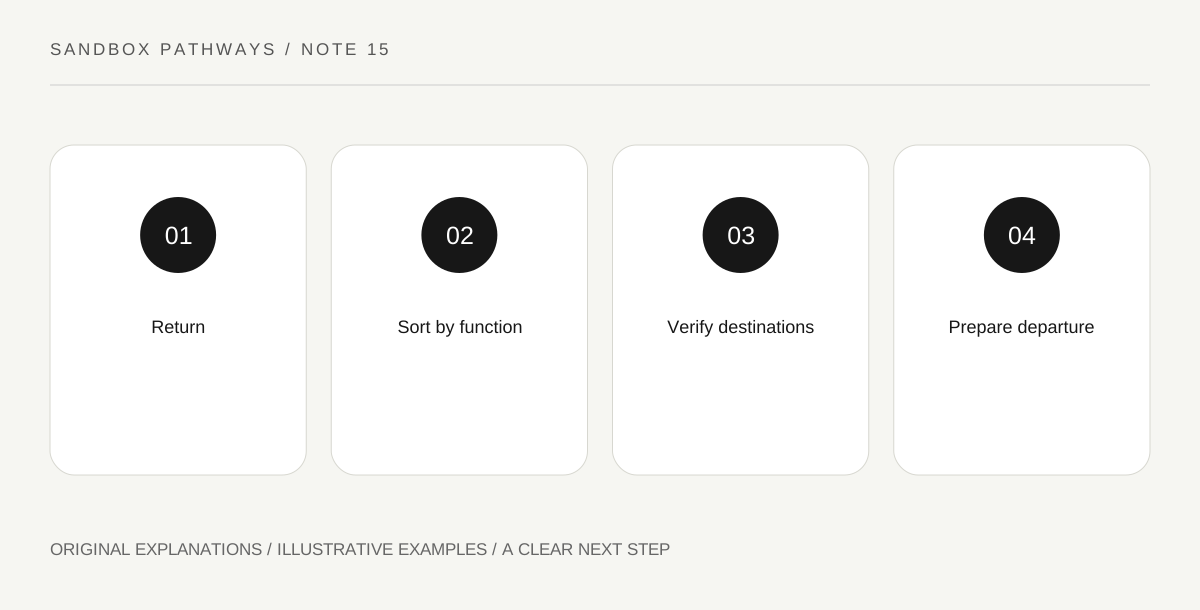
Original explanatory diagram. Read the full method and limitations below.
Choose a few functional groups
The base guide discusses ways to identify storage, including names, visual distinctions and nearby markers. Start with categories you can explain, such as building materials, equipment and crafting supplies. Avoid creating a separate chest for every unfamiliar drop before you understand its use. Too many empty categories make the system difficult to maintain. Give each starting group an obvious location and label. The purpose is retrieval: another visit should let you find the item without opening every container. A simple system that you use consistently is more helpful than an intricate layout whose categories overlap.
Place storage near its work
Consider what you do after retrieving materials. A group of crafting supplies near the relevant workstation shortens the mental route from need to item to use. Keep access clear so furniture or wandering NPCs do not make the storage awkward to operate. This is a layout exercise, not a claim that proximity automatically satisfies every recipe condition in every version. Follow your current game’s actual interface. Test one task: approach, find a material and move to its intended workstation. If the sequence feels unclear, revise placement or labels before expanding to a much larger storage wall.
Test bulk actions with ordinary items
Where your version offers quick-stack or sorting actions, read their purpose and test them with expendable ordinary materials first. Do not assume every action moves every item type identically. Verify where a known stack went, then inspect what remained in inventory. Keep essential outing supplies deliberately identified, using supported favourite or protection features where appropriate. Avoid relying on a memorized shortcut from another platform. A small controlled test teaches the action’s scope. It is easier to correct one misplaced building stack than to reconstruct the locations of a whole valuable load after an unexamined bulk operation.
End the return with a departure check
Storage is only half the loop. Before the next outing, check the items that must remain with you: relevant tools, movement or return equipment, and the supplies for the chosen task. Use the same short departure sequence each time rather than treating an empty-looking inventory as automatically ready. If an item repeatedly disappears into storage, change the label, placement or protection method that caused the confusion. Organization should solve an observed retrieval problem. Add a new category when a real group becomes hard to find, not simply because a decorative wall has room for another chest.
Illustrative building exercise
Imagine three starting chests marked building, equipment and materials. After an outing, place one known ordinary stack into its group and test your version’s stacking action. Verify the destination, then check that essential tools remain available. If an unfamiliar item has no category, put it in a small review area rather than silently scattering it among all three chests.
Practical checks
Optional checkboxes save only in this browser.
Questions that come up
Should I sort every item into a unique chest?
No. Begin with functional groups and expand when a category becomes difficult to use. Excessive empty categories can create more work than clarity.
Can I assume a shortcut behaves identically on every platform?
No. Follow the current interface and test the supported action. This guide intentionally avoids prescribing one universal key combination.
References and scope
These sources support the factual background. Examples and exercises are original illustrative teaching material. References do not imply endorsement.
- Official Terraria Wiki: bases — Storage identification and organization concepts; platform-specific shortcuts excluded.